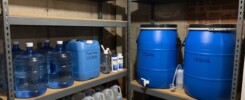
When internet service fails, a charged phone is useful only if the information you need is still accessible. Project NOMAD offers one way to prepare: keep a reference library on a computer at home and open it from devices on your local network. It belongs alongside printed contacts and equipment manuals in a practical communication plan.
What is Project NOMAD?
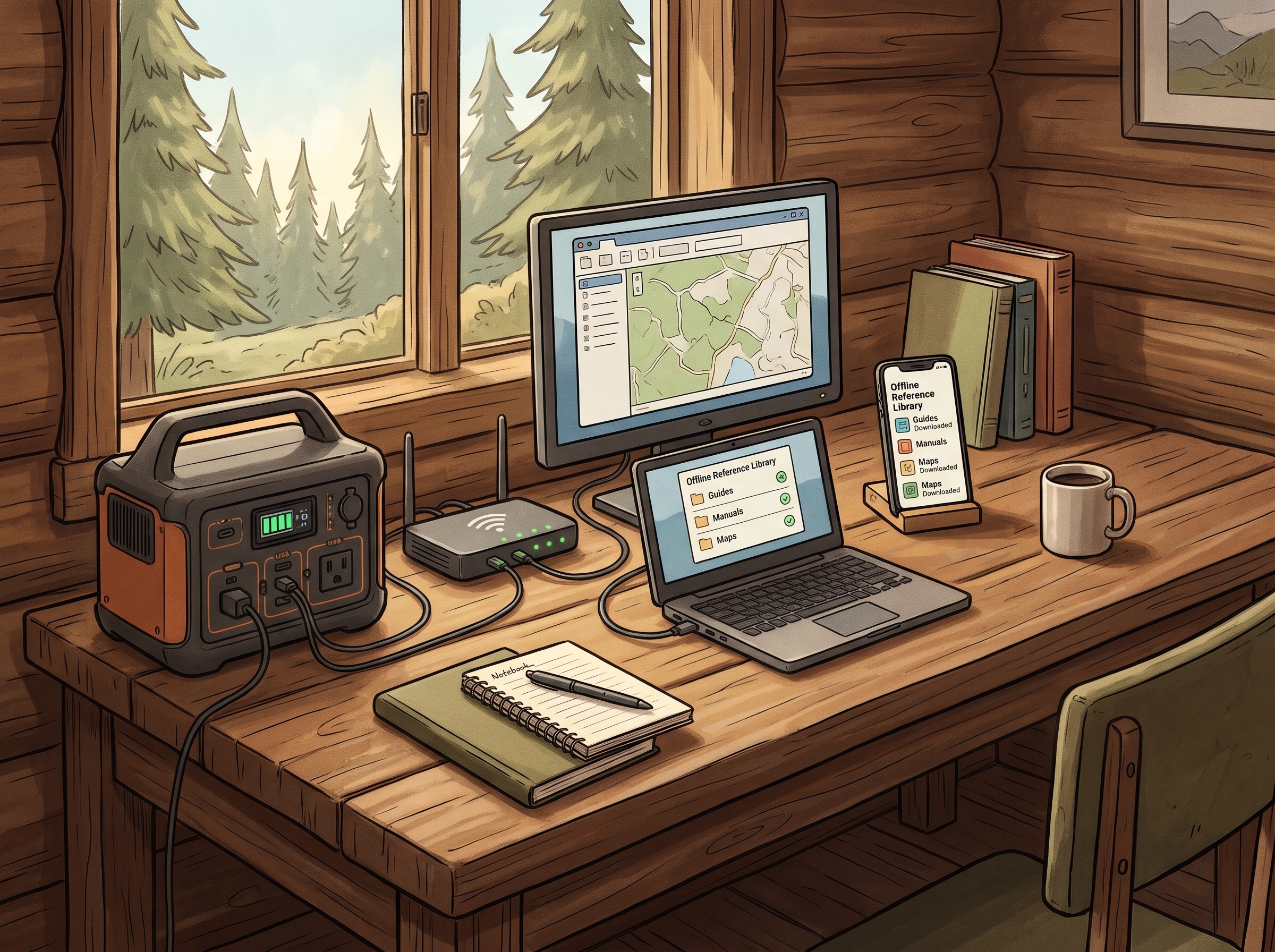
Project NOMAD is a free, open-source knowledge and education server from Crosstalk Solutions. Its dashboard brings together tools for offline reference material, learning, maps and optional AI. You select and download resources while internet access is available; the software does not magically preserve websites you have never downloaded.
The project uses tools including Kiwix for reference collections, Kolibri for education, and Ollama with Qdrant for its optional AI and document-search features. Its official repository provides installation instructions and identifies the software’s Apache 2.0 license.
How do you use it when the internet is down?
NOMAD runs on a host computer. A phone, tablet or laptop on the same local network can reach its browser interface without cellular service or an internet connection. The computer, your device and any Wi-Fi router or access point used for that connection still need electricity. This is local access to saved information, not restored internet service.
According to the official FAQ, NOMAD targets an x86 computer running Ubuntu or Debian Linux and does not run natively on macOS. A Mac or phone can still be a browser client. Confirm current compatibility before buying hardware; an Apple silicon Mac should not be assumed to be a supported NOMAD host.
Start with information your household will use
- Keep dated copies of your household plan and practical water and food references.
- Collect manuals for the exact batteries, charging equipment, pumps and other devices you own.
- Choose maps covering the places you may need to reach, and test their offline coverage.
- Add general learning and reference collections gradually, after checking storage space and usefulness.
Track each resource’s source and revision date. Review permission before redistributing material: the software’s license does not automatically cover every book, map or model used with it. Keep essential paper copies and avoid including private records in a demonstration library.
AI is optional; references still matter
The optional assistant can help search and summarize information locally, but generated answers can be wrong. Read the underlying references, particularly for health, electrical work and other consequential decisions. A useful first goal is a dependable library that household members can navigate without relying on AI.
Keep the server private and test the whole setup
The developers state that NOMAD has no built-in authentication and advise against exposing it directly to the public internet. Follow their security guidance; a public website should explain the project rather than expose its administration dashboard.
Before depending on a setup, test it with the internet disconnected while keeping the local network powered. Check that chosen resources open, other devices can connect, and your power plan supports the computer and network equipment. Record measured energy use rather than guessing battery runtime.
Fortress Foundry is exploring offline knowledge tools; this introduction is based on project documentation, not a completed NOMAD installation or performance test. Start with our household outage preparation plan, use the 90-day preparedness checklist, and review our backup-power planning guide. Visit the official NOMAD site for the software and current requirements.